Web control tower
Orders, waves, inventory, transport, automation, finance, analytics, and digital twins for planners and supervisors.
Operating surfaces
Planners see the network. Mobile operators scan and work offline. Vuzix and Rokid users keep both hands free. Stations own local hardware, and drivers scan loads and capture delivery proof.
Role to surface
Every surface is shaped for its decision density, input hardware, connectivity, safety context, and time at task.
Orders, waves, inventory, transport, automation, finance, analytics, and digital twins for planners and supervisors.
Receive, put away, replenish, pick, pack, count, return, and hand off with camera, barcode, QR, or paired scanner input.
Badge sign-in, camera verification, compact prompts, voice/touch action, picking, receiving, putaway, replenishment, count, and packing.
Local pack/receive hardware plus assigned loads, van scanning, map deep-links, delivered/failed outcomes, photos, signatures, and offline outcome sync. Per-load stop feeds depend on backend rollout.
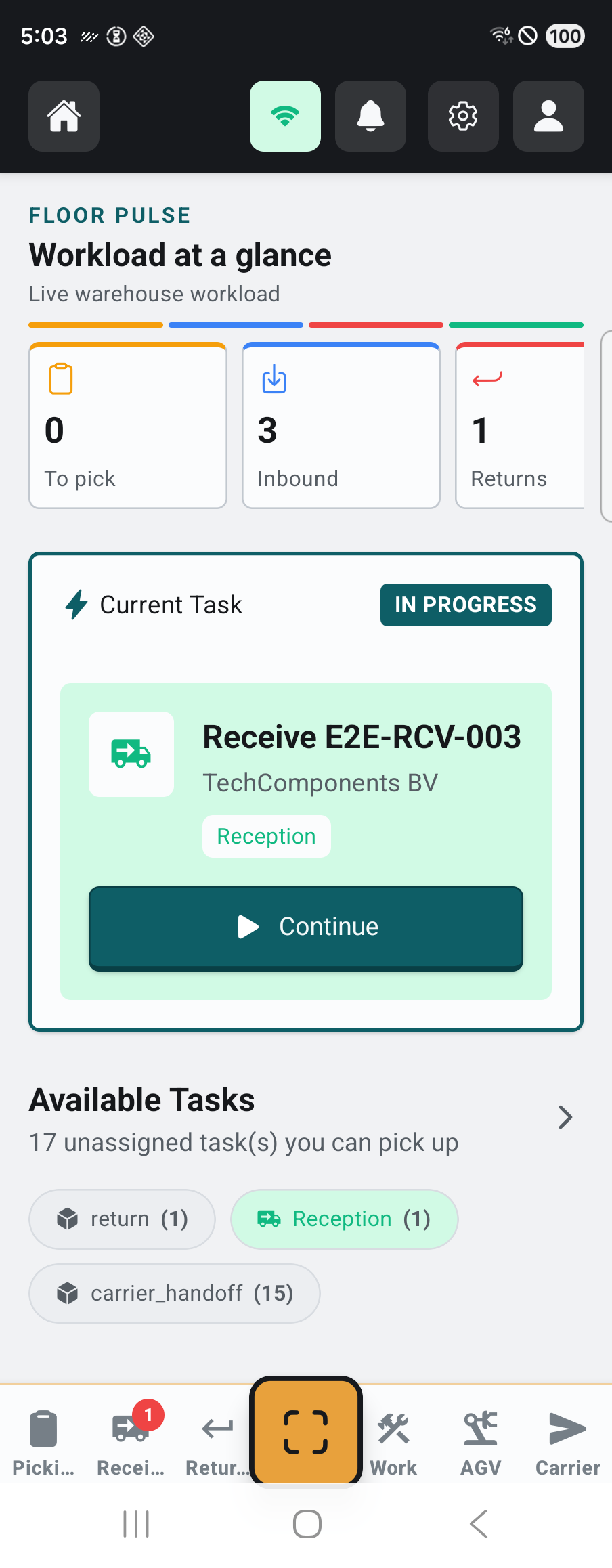
Native iOS and Android
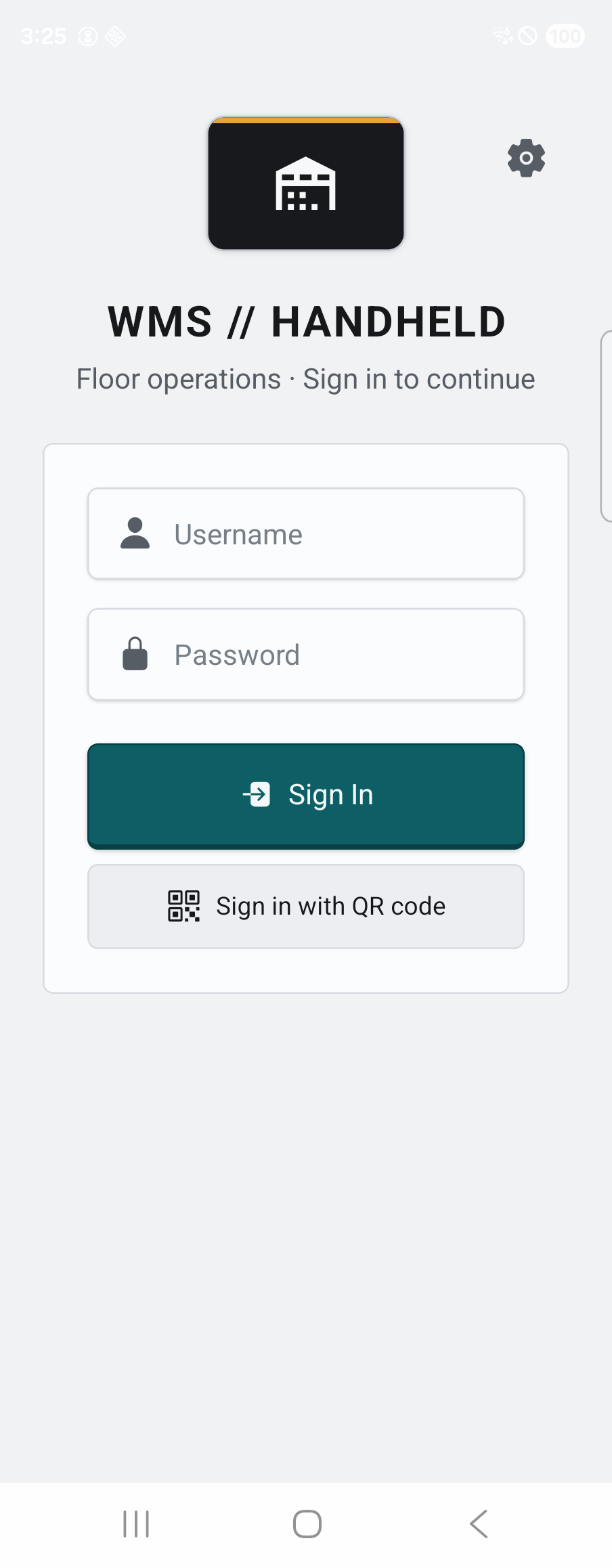
The Expo/React Native app runs on iPhone, iPad, Android phones, and rugged Android terminals with task-first screens and governed offline replay.
Product captures shown on Android; iOS and iPadOS use the same Expo workflow package.
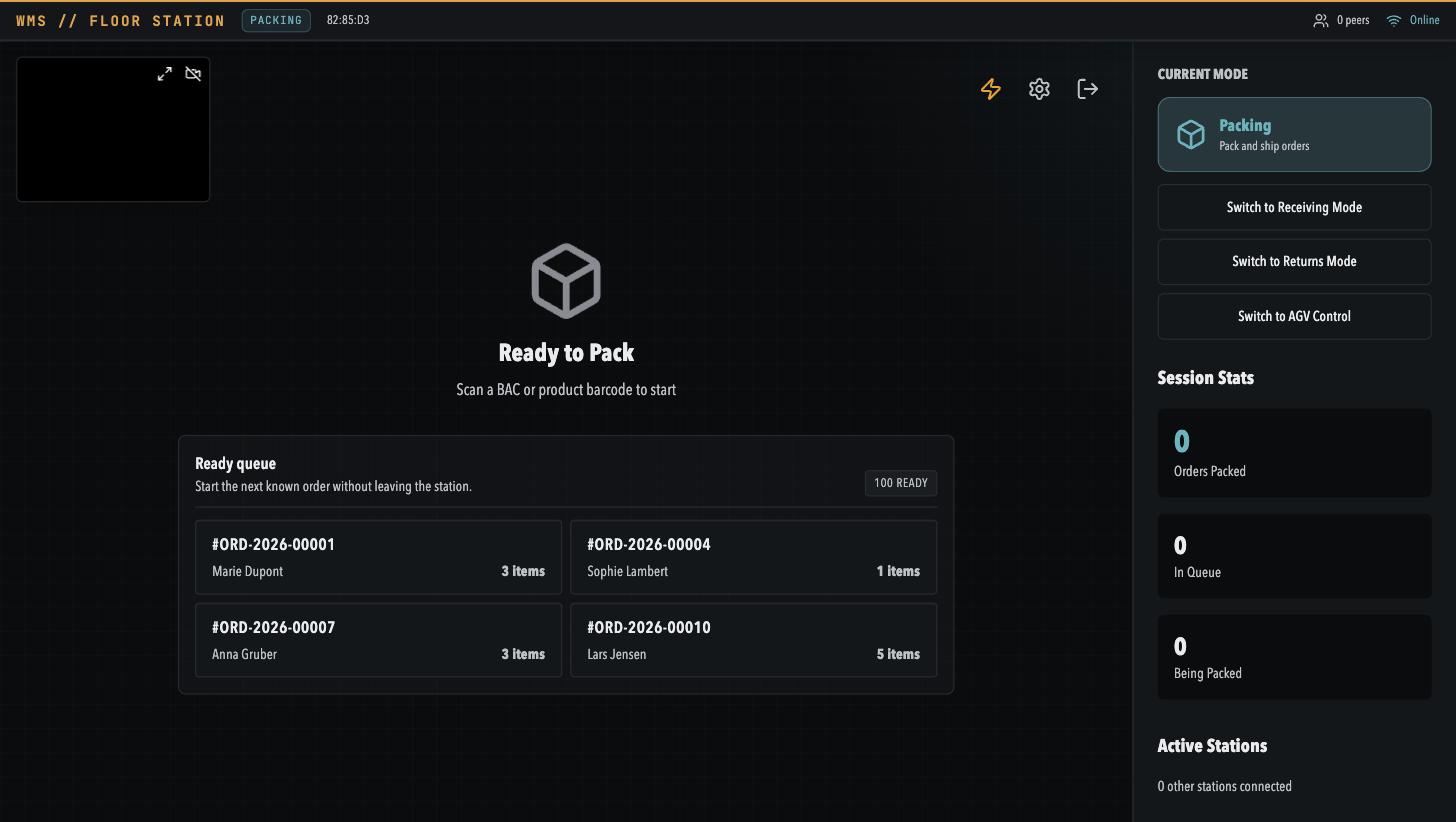
Desktop station
A local bridge connects scanners, label printers, scales, and cameras at fixed stations. The backend supplies governed business work; it does not connect directly to warehouse devices.
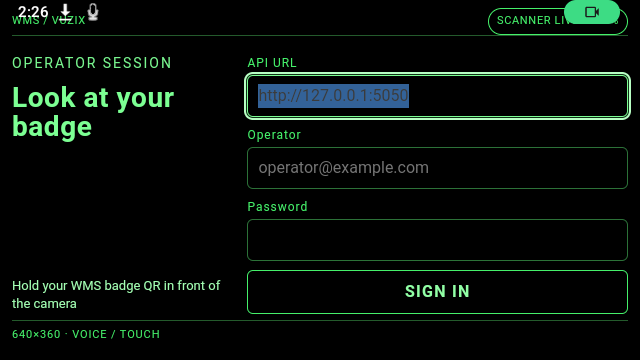
Vuzix M400 and Rokid Glasses
Both glasses use the same WMS workflow contracts while native shells own camera, speech, buttons, video, BLE, session storage, and display constraints.
Badge QR sign-in, continuous ML Kit scanning, Vuzix speech grammar, multi-carton packing, automatic BLE shipping-label discovery and printing, and H.264 packing-proof upload.
Badge sign-in, phase-gated camera verification, phone-assisted voice or touch on the current consumer firmware, device health, Keystore session lease, and SQLite/WAL recovery for an online-started picking batch.
Picking, receiving, putaway, replenishment, cross-dock, cycle count, returns, label output, and multi-carton packing. Workflows that need current physical truth stay online-only.
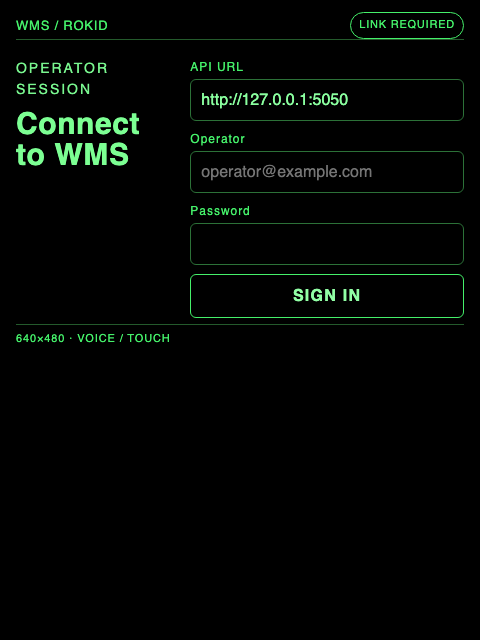
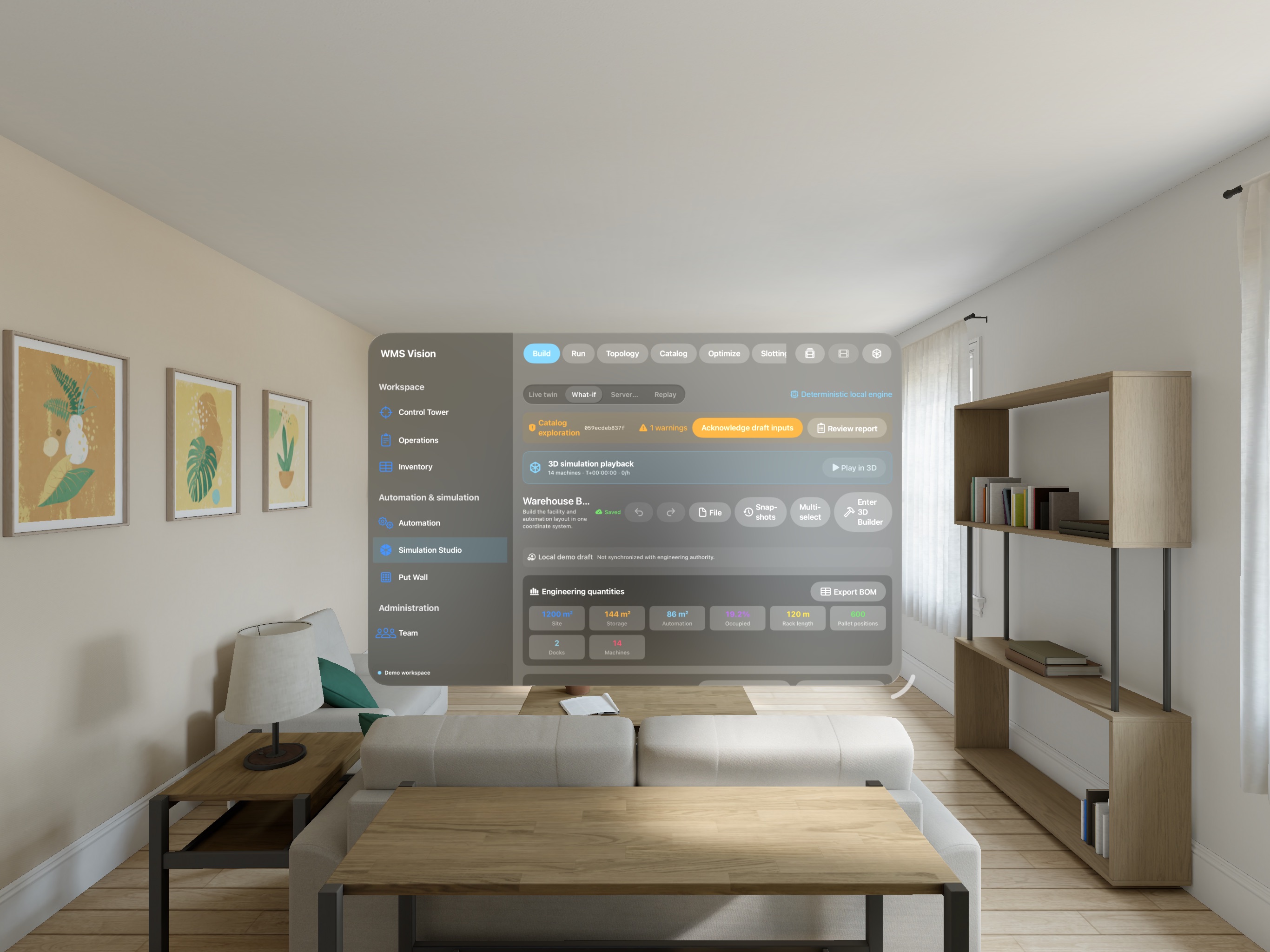
Apple Vision Pro
The visionOS app places warehouse topology, catalog, automation, simulation playback, slotting, and live observation into a spatial workspace.
Device authority in detail
The product records which device, user, warehouse, session, and sequence created a mutation, and it blocks workflows that cannot be replayed safely.
Registration, active/revoked/lost state, assigned operator, warehouse, source app, device type, and token revocation are evaluated before replay.
Offline session and positive local sequence travel together; gaps, duplicate identity, user collision, stale time, and payload bounds receive explicit results.
Supported scans and lifecycle events can queue. Machine commands and unsupported business mutations stop locally and instruct the operator to reconnect.
A reachable warehouse bridge can accept durable events on the LAN; otherwise the client uses the secured cloud path and leaves unacknowledged work pending.
Shared operating contract
Identity, tenant, warehouse, task, inventory, shipment, event, and evidence contracts keep the six surfaces aligned.
Map the roles
Choose the right surface and hardware boundary for each workflow rather than forcing every user through one UI.