Scan. Receive. Keep moving.
Receive goods, pick orders and count stock with an app designed for warehouse operators. Scan products and locations, record quantities and follow the result of each task.
Equip your team with the right devices, access and scanning workflow.
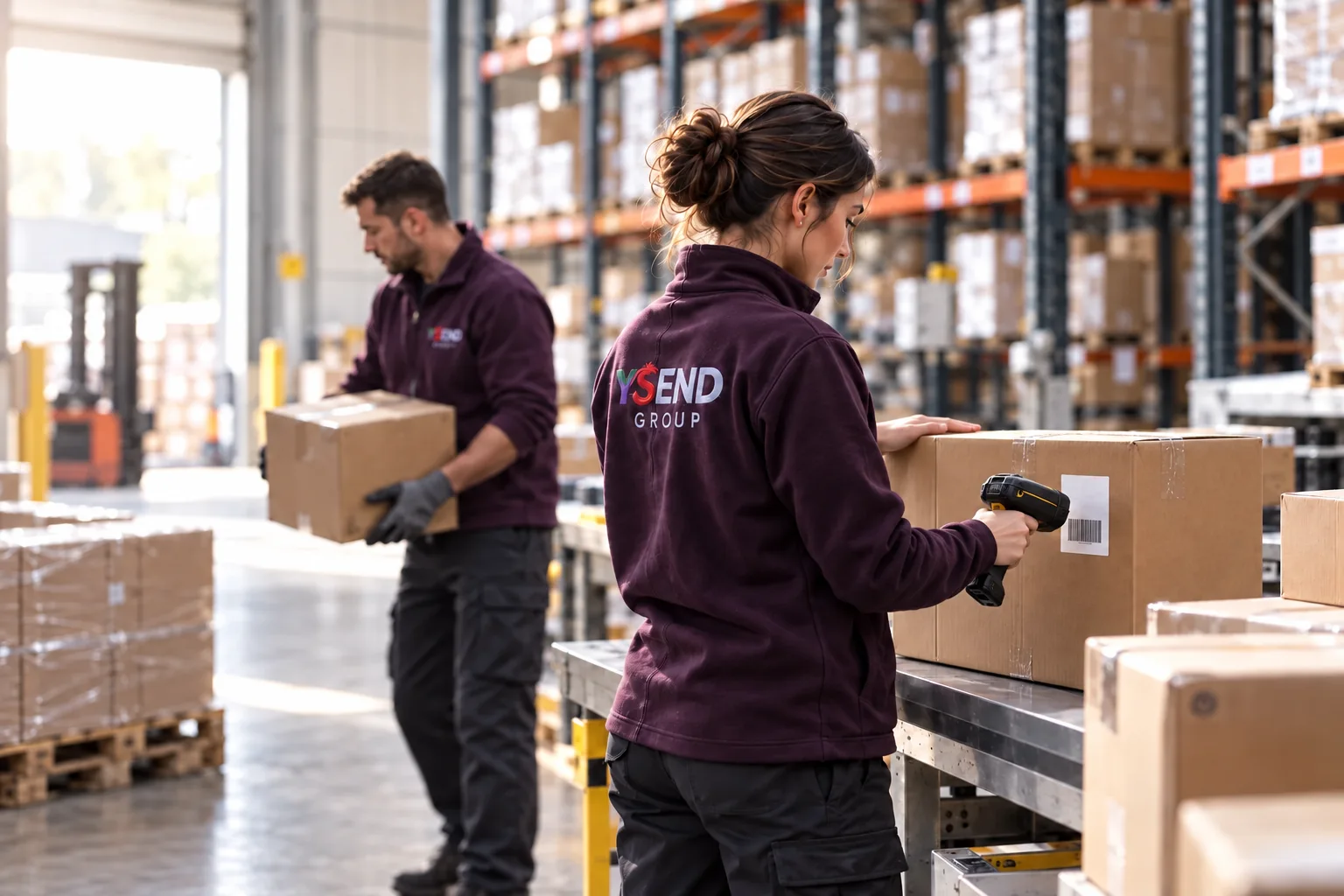
Everyday work
From the expected goods to the recorded result.
Prepare the terminal
Register the device and its warehouse. Sign in with an administrator-issued QR code or the supported account login; enrollment and operator sign-in are separate steps.
Scan the physical goods
Open the relevant receiving, picking or counting task. Scan the product or location and enter the quantity actually handled, with the lot or serial information required by the workflow.
Follow each operation’s status
For supported offline work, review the operation on the terminal and check the server result after reconnecting. Some actions need a connection; a local scan alone does not confirm a stock change.
Check the result after reconnecting
The app submits supported pending work and reads the server result. Review accepted, rejected or duplicate outcomes and resolve differences with the responsible team.
Access and connection
Plan for the network you actually have.
What can continue offline?
Supported warehouse operations use downloaded reference data and a local queue. Test the required receiving, picking and counting actions individually. Machine controls and other unsupported actions do not gain offline access.
Can another terminal help recover work?
The dedicated app can exchange supported queued work with peers on the warehouse network and submit eligible records if the original device becomes unavailable. This has scope and timing limits; validate the devices and recovery scenario before relying on it. Background continuity is not the same on iOS as the Android foreground-service path.
How do scanners and printers fit?
Prepare the exact scanner models, input modes, printer profiles and labels. Test a physical scan and printed label from the intended task. Compatibility depends on the device and workflow; a general app demo does not qualify every peripheral.
Prepare your rollout
Tell us who needs access, which devices they use and where work happens. We can help plan the accounts, equipment and first workflows for your team.
Warehouse, devices, operator access and one real receiving or picking task
Scanner and printer models, label examples and network dead zones
Offline operations to support, an interrupted-device scenario and the person responsible for resolving differences
Connect your tools
Connect mobile work to the rest of your operation.
Bring orders, stock and delivery information into the tools your team uses. Explore the API and SDK documentation to plan integrations, authentication and access for each role.
YSEND Operator for Android
Android 7.0 or later · ARM64
A Ysend account with warehouse access is required. Screens and actions follow your permissions.