Let us handle your stock. Stay close to every order.

Tell us about your products and markets. Ysend finds a suitable warehouse, guides the first delivery and keeps stock and orders visible.

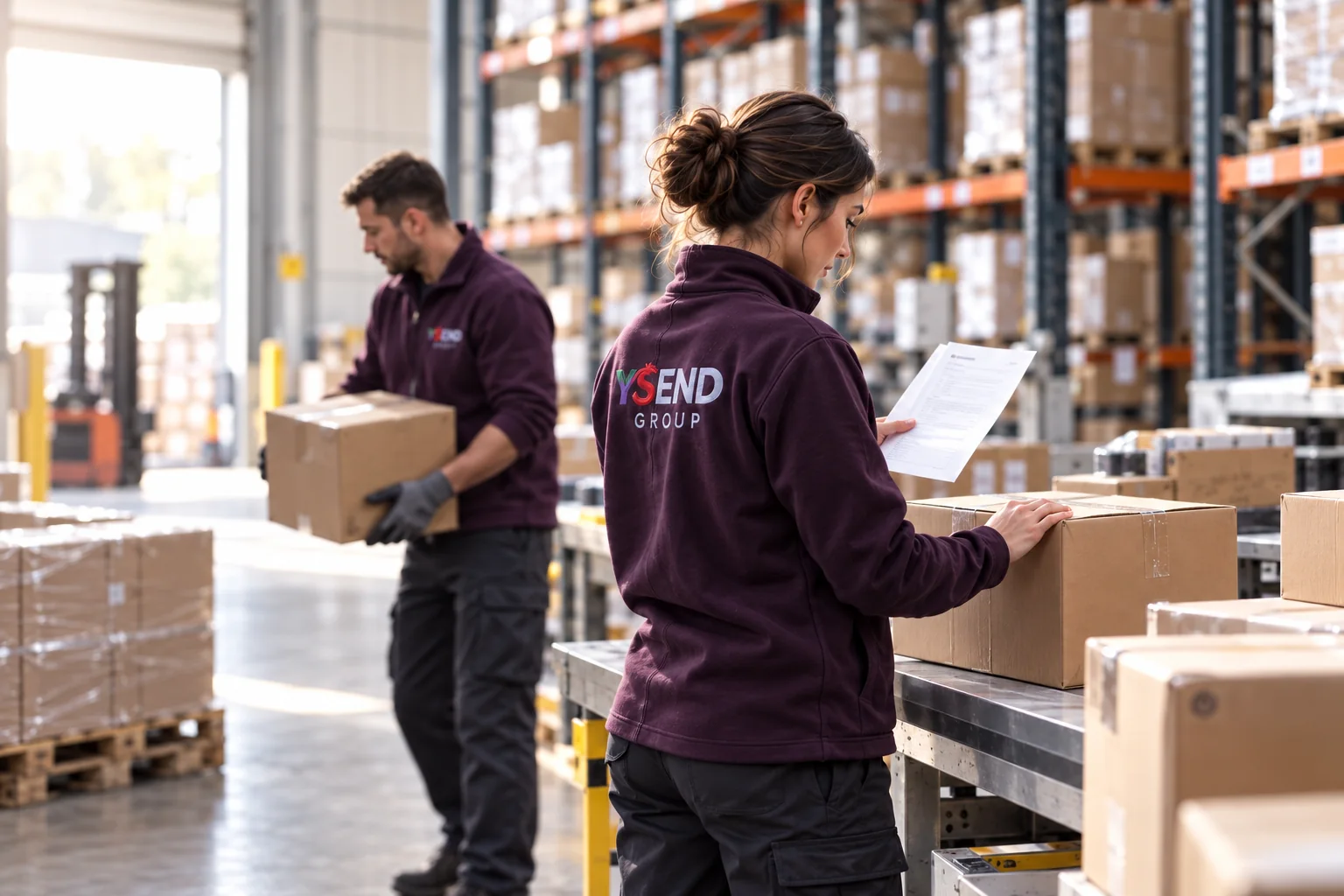
Illustrative photo

How it works

From first stock to delivered parcel

At every step, you know what is moving and what needs your attention.

  1. The store and SKUs align

    The channel connection is completed with you. References, packaging and constraints enter the portal; opening the account does not activate Self Service Logistics yet.

  2. Review the proposed service

    Ysend reviews the request, the site’s services and availability. The partner warehouse reviews the proposal and accepts or declines it. Each proposal states its response deadline.

  3. Send stock to the accepted site

    The destination is locked in your portal. Prepare SKUs, cartons, labels and bookings; the warehouse receives and puts stock away.

  4. The WMS fulfils; Ysend labels and invoices

    Channel orders arrive, the warehouse picks and packs, transport runs on Ysend contracts, tracking returns and the platform invoice appears in your portal.

How the business operates.

Who takes this stepMerchant · onboarding team

01. Describe the work a partner must accept

Provide product identities, handling requirements, destinations and demand for a specific proposal.

The next decision

Onboarding selects a proposal; forecast does not guarantee capacity.

Who takes this stepPlatform operator

02. Request the warehouse’s decision

Issue the partner proposal; a pending decision is not an assignment.

The next decision

The warehouse reviews service and commercial obligations.

Who takes this stepWarehouse partner

03. Accept before the merchant sends goods

An authorised partner accepts; the merchant reviews its assigned warehouse and service.

The next decision

Confirm receiving instructions with the merchant.

Who takes this stepMerchant

04. Send an identified inbound delivery

Prepare labels and a versioned manifest; preserve original declared quantities.

The next decision

Submit arrival details to the receiving team.

Who takes this stepWarehouse receiver

05. Reconcile missing quantities

Count the units physically received and retain evidence of any difference from the declaration.

The next decision

Notify the merchant; release only available product lines.

Who takes this stepMerchant · warehouse · finance

06. Fulfil the accepted orders

Ship validated orders; tracking and reviewed usage support merchant follow-up.

The next decision

Review service and invoice evidence before increasing volume.

What to include in your cost model

Merchant service
Agree receiving, storage, preparation and shipping measurement bases.
Partner remuneration
Review the warehouse’s terms separately from merchant-facing charges.
Activation
Agree the service contract, billing frequency and contacts for your account.

What makes the first operation ready

  1. Warehouse agreement

    Wait for warehouse acceptance before arranging the first inbound delivery.

  2. Product mapping

    Match merchant product references to the receiving catalogue.

  3. First operation

    Trace acceptance, manifest, receipt, one shipment and invoice evidence.

The technology behind the workflow

The technology behind the workflow

Merchant inbound and order workspaces connect to partner WMS. External-carrier transport is agreed and priced separately.

At your fingertips

Merchants follow orders, shipments and account activity through their permitted mobile views.

Applications

Prepare your first operation

  • Review products and handling requirements
  • Agree service scope and billing terms
  • Validate the warehouse and first inbound plan

Your channels

Your marketplaces and stores

We prepare the connection with you: seller account, required data exchanges and activation requirements.

Connector catalogue 17
  • Amazon
  • Shopify
  • WooCommerce
  • Magento
  • eBay
  • Cdiscount
  • PrestaShop
  • Mirakl
  • Fnac Darty
  • ManoMano
  • Temu
  • Back Market
  • WiziShop
  • Boostmyshop
  • Winpharma
  • Market Invaders
  • StoreFactory

Before activation, we confirm the supported exchanges for your seller account: orders, product references and tracking. Product-catalogue import depends on the connector.

See the scope of each connector

A marketplace missing from this list is not offered today.

Who does what

One clear role for every actor

You keep

  • Your product pages and listings

    You publish them on your channel; Ysend imports the orders they generate.

  • Your prices

    Updated on request, SKU by SKU, from your portal.

  • Your customer relationship

    After-sales, refunds and exchanges stay on your channel.

Ysend takes

  • Assignment and fulfilment

    Ysend reviews whether the site suits your needs. After partner acceptance and agreement on service terms, the warehouse receives and stores your stock, then prepares orders. You can see the site and its status.

  • Transport and tracking

    Label at the Ysend rate, tracking pushed back to the channel, a public tracking page for your customer.

  • Returns received and the invoice

    The return parcel is received with photos and inspected; restocking requires approval. One invoice for everything.

Explore cross-docking

What it costs

Estimate a typical month of fulfilment

Enter your inbound, average stock and order volume for an initial estimate.

Describes your activity; item extras are not included in this estimate.
Estimate only. The final price is confirmed in your account before purchase.

Monthly logistics base estimate

—

Base preparation is charged per order. Extras for items, weight, volume and consumables, plus outbound transport, are excluded and confirmed separately.

Open my account

This estimate uses the services currently offered and is confirmed with your warehouse before launch.

See all pricing

Send your products

Prepare your first delivery without spreadsheets

Once the warehouse is confirmed, Ysend gives you the address, labels and steps to follow.

From warehouse address to completed receiving

  1. Wait for the assigned site

    Your Fulfilment screen shows the warehouse, address, accepted service and carrier policy.

  2. Align the SKUs

    Create or validate references, barcodes, packaging and traceability requirements.

  3. Create the inbound plan

    Name the shipment, set expected arrival and add each product with its quantity.

  4. Declare handling units

    Add cartons and pallets, dimensions, weight, SSCC or LPN, then allocate product contents.

  5. Generate the labels

    Download product, carton and shipment labels, then apply them before dispatch.

  6. Book the arrival

    Choose a delivery or pickup slot, then provide carrier and vehicle details.

  7. Validate and submit

    Ysend creates the declaration, ASN, receiving expectation and dock booking.

  8. Track receiving

    Follow acknowledgment, transit, arrival and receiving, then accept or dispute discrepancies.

What you physically stick on the goods

Label examples

The portal generates the final printable files. These examples show how one sellable unit, one carton and one pallet remain traceable to the same inbound plan.

YSEND · LOGISTICSSKUEAN / GTINQUANTITY

Sellable unit

Product barcode

Keep an approved manufacturer barcode when it is already scannable. If Ysend generates a product label, apply it flat and visible without covering mandatory product information.

YSEND · LOGISTICSLPNINBOUND PLANCARTON № · UNITS

Carton

One unique LPN per carton

Apply the carton label to the largest flat face, away from tape and seams. Remove or cover obsolete logistics barcodes so only the current carton identity scans.

YSEND · LOGISTICSSSCCINBOUND PLANPALLET № · CARTONS

Pallet

One unique SSCC per pallet

Apply identical pallet labels to two adjacent vertical faces so the pallet can be scanned before unloading. Each pallet keeps its own SSCC or LPN.

How a dispatch runs, step by step

  1. Confirm that the physical SKU quantities match your inbound plan.
  2. Print product, carton and pallet labels at actual size without scaling, apply them, then test-scan one of each.
  3. Book the accepted warehouse slot and enter the carrier, vehicle and tracking or shipment reference.
  4. Give the carrier the packing list and applicable CMR or bill of lading, with your inbound plan reference as the warehouse reference.
  5. Send only to the accepted address and booked slot; then follow acknowledgment, transit, arrival and receiving in the portal.

The labels show the fields each one carries; the portal fills them from your catalog and your inbound plan. The generated label and the accepted warehouse instructions always take precedence.

You can prepare the catalog before assignment; the inbound plan becomes shippable once the site accepts. Create an account

Questions

Your questions before you start

Is this the same path as buying labels?

No: Self Service Logistics adds warehouse assignment, inbound stock, fulfilment and platform billing.

Does opening an account activate the service?

No. Your merchant account opens immediately, then the Ysend team confirms your needs, proposed service and partner warehouse before any stock is sent.

Can I choose the warehouse?

Ysend reviews your requirements and site availability with you. Discuss your preferences; the proposed site and terms need the partner’s agreement before stock is sent.

What about returns?

The partner warehouse receives the return with evidence and inspects it; items are restocked only after approval. Refunds and exchanges remain on your sales channel.

How is the price confirmed?

Estimate only. The final price is confirmed in your account before purchase. Self Service Logistics starts after the partner warehouse accepts your request.

Start now

Let’s talk logistics

Tell us about your business and your priorities. Together, we can prepare a solution around your operations.

What happens next

  1. Open your merchant account

    Your workspace is created immediately with your company, email and password.

  2. Describe your logistics

    Products, volumes, markets, constraints and required services help Ysend qualify the need.

  3. Confirm the setup

    The warehouse, pricing and inbound instructions are confirmed before your first shipment.